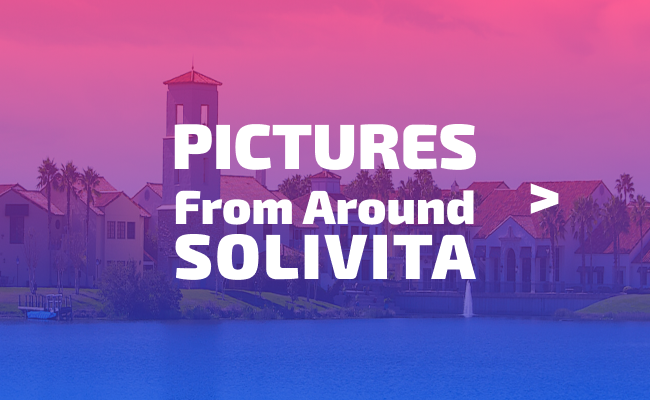

How Community Photos Work
Share your pictures of Solivita with your neighbors, in a few easy steps.
Community Photos is where neighbors share pictures from around Solivita: pets, wildlife, sunsets, and the fun at our clubs and events. Every album is open to members.
How to add your photos
- Join Hoodaya (it's free), or log in.
- Open Community Photos and choose an album, such as Our Pets or Wildlife Around Solivita.
- Press Choose photos and pick as many pictures as you like from your phone or computer.
- Press Add photos to the album. You'll see each one go up, with a tick when it's done.
Large photos are made smaller on your own device before they're sent, so they go up quickly even on slow Wi-Fi.
What happens next
Our team looks at each photo, usually within a day, and then it appears in the album with your name. You can see your photos and whether they've been approved on your account page.
A few friendly guidelines
- Share photos you took yourself.
- Please ask before posting a photo where people can clearly be recognized, and only post children with their parents' OK.
- Keep it kind and neighborly. We may leave out photos that aren't a good fit for the album.
Contests
From time to time we run photo contests with prizes. When one is on, you'll see "Contest" on the album. Keep your camera handy!